
ChatGPT में आई तकनीकी खराबी, यूज़र्स को दिख रहा ‘404 Page Not Found’ Error
ChatGPT, the popular AI chatbot used by millions of users worldwide, is experiencing a technical glitch. Many users have reported seeing a ‘404 Error’ (Page Not Found) message when trying to access the website or app, bringing their work to a complete standstill.
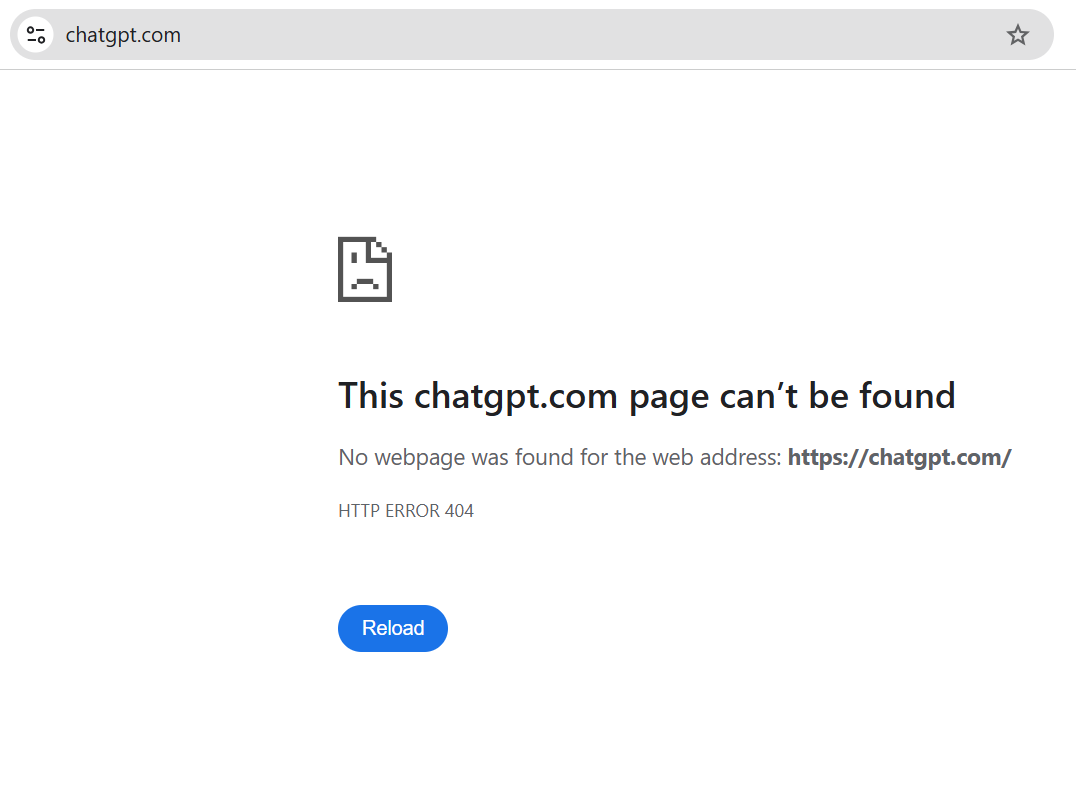
What is the problem? Many social media users have posted screenshots showing that the server shows a 404 error when they attempt to visit ChatGPT or open an old chat. A 404 error indicates that the browser is unable to locate the desired webpage on the server.
Why is this error happening? Tech experts believe that the primary causes could be: Inaccurate or out of date URL: Many users attempt to log in using outdated bookmarked links (like chat.openai.com) that are no longer functional. Cookies and Cache: The browser’s cache files and outdated or malformed cookies are thought to be the main sources of this issue.
Expired shared links: Clicking on a chat link that someone else shared but has subsequently removed will likewise result in a 404 error. Server outage: Occasionally, high demand causes the server to malfunction. How can users resolve this? (Easy Solutions) Try these easy suggestions if you are seeing this error: Enter the correct URL in the address field by typing “chatgpt.com”; avoid using outdated bookmarks.
Clear Cache and Cookies: Open the Chrome, Edge, or Firefox browser’s settings, remove the cache and cookies for “All Time,” and then log back in. Try using the private window of your browser to access ChatGPT in incognito mode. Disable VPN: Refresh the page after temporarily turning off any enabled VPN extensions. As of right now, OpenAI has not released an official remark about this issue or downtime. It is recommended that users wait for